Luxanom Field Notes · for Android
Talk while you shoot.
Photograph a job and say what you see. Field Notes turns your voice into notes, stamps every photo with the time, place, coordinates and a map, and builds one clean picture you can send straight away.
Free to use. No account, no ads. Works in 16 languages.

How it works
Made for the moment you're standing in front of the thing you need to record, with your hands full and no time to type.
- 1
Take the photos
Shoot inside the app. Free takes one photo per note; the paid editions take 4, 9 or more, labelled A, B, C as you go.
- 2
Talk while you shoot
Tap the Heading or the Note and just speak. Your words appear as you talk, in your own language, and you can edit anything.
- 3
Time, place and map, done for you
Every note is stamped with the date and time, street and suburb, exact coordinates and a map of the spot.
- 4
One picture, ready to send
Field Notes builds one clean picture: heading, photos, map, your note and a code that opens the spot in Google Maps. Your untouched originals are kept separately.
Try it here
This is the real Field Notes app, running in your browser. Hold the phone over the scene, take your photos, talk your note, then save it and see the finished field note.
- Tap the green camera button
- Move your mouse to aim, click to take a photo
- Talk, or type
- Save


Talking needs Chrome, Edge or Safari. In this browser you can type your note instead.
Your browser asks to use your microphone when you start talking. Speech is turned into text by your browser's own speech service; the photos and notes stay in this page and disappear when you close it. Space or Enter also takes a photo; Esc finishes.
See it in use


Real Field Notes screens and a saved note. Tap any to enlarge.
Photos: Some Mythical Place in Someone’s Imagination.
Editions
Start free. When a job needs more photos on one sheet, upgrade inside the app with a one-time purchase. No subscriptions.
Everything in the app, one photo at a time. Time, place, coordinates and map are placed on every note automatically.
Available nowPhotos A to D on one sheet: A and C, B and D, then the map, in equal thirds.
At Google Play launchA 3 × 3 sheet, photos A to I, for bigger jobs and inspections.
At Google Play launchWhole walk-throughs: the first nine beside the map, the rest in rows underneath.
At Google Play launchPlus, Pro and Unlimited arrive with our Google Play launch. They're upgrades inside the same app, so your notes and settings stay exactly where they are.
Speaks your language
Field Notes follows your phone's language, listens in that language when you talk, and writes dates, times and places the way you'd expect.
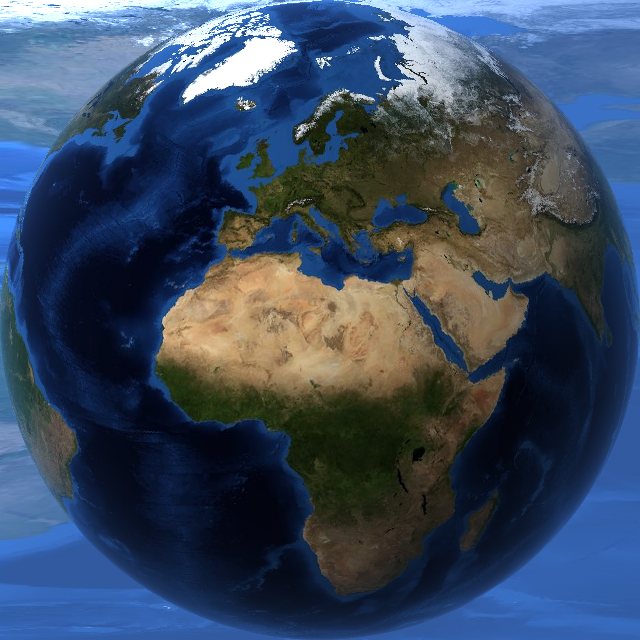

Drag the Earth to spin it. Day and night are shown as they are right now. Tap a flag to read this site in that language.
 English
 简体中文
 Español
 Français
 Deutsch
 日本語
 한국어
 हिन्दी
 Português
 Bahasa Indonesia
 العربية
 Русский
 Italiano
 Ελληνικά
 Tiếng Việt
 Malti
Earth images: NASA Blue Marble (day) and NASA Black Marble (night lights).
Who it's for
- Tradespeople and builders
- Property managers and inspectors
- Insurance and claims
- Field workers and surveyors
- Hikers, anglers and explorers
- Anyone who documents a place
Get Field Notes free
Field Notes is in early access on Google Play before its public launch. Join in three taps and install it like any other app. Updates arrive automatically.
- 1Tap Join early access on your Android phone.
- 2Choose Become a tester, using the Google account on your phone.
- 3Tap Install in the Play Store. That's it.
Needs an Android phone with Google Play. Free to use, no account to create, no ads.